Real results
From plan to render
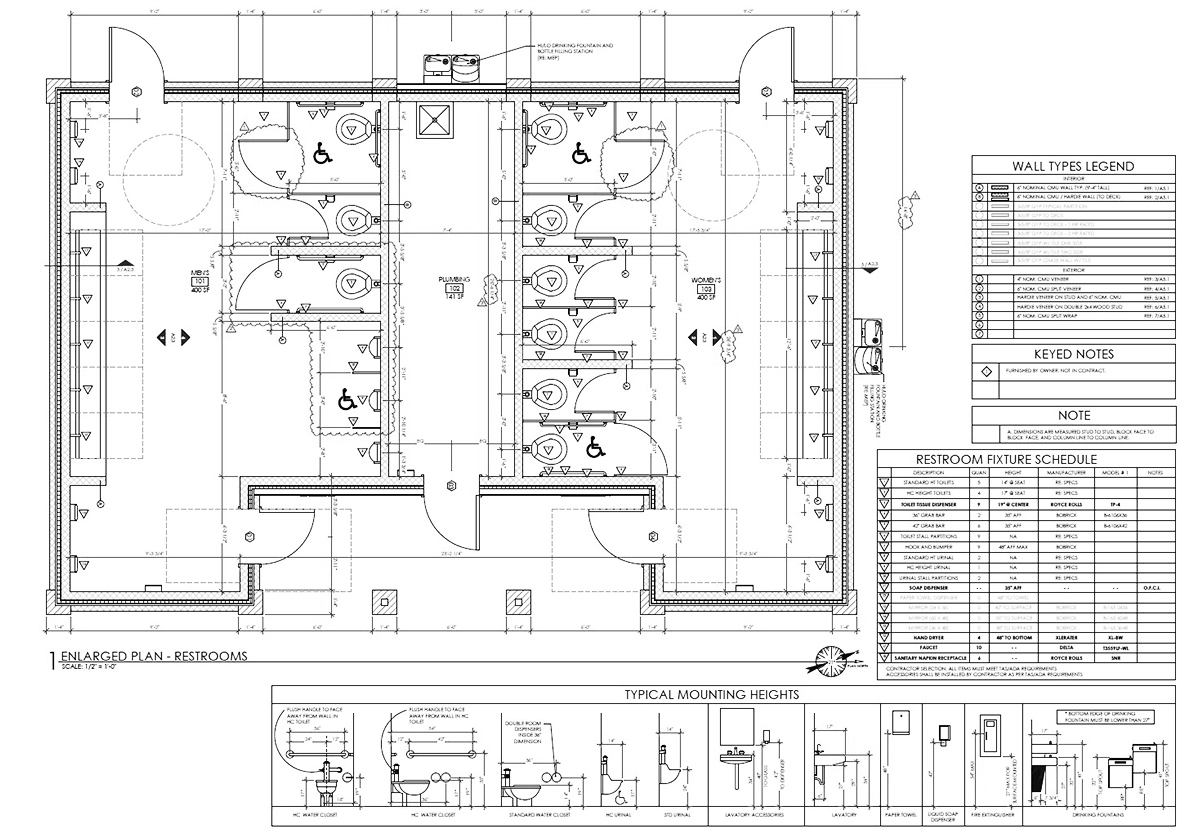
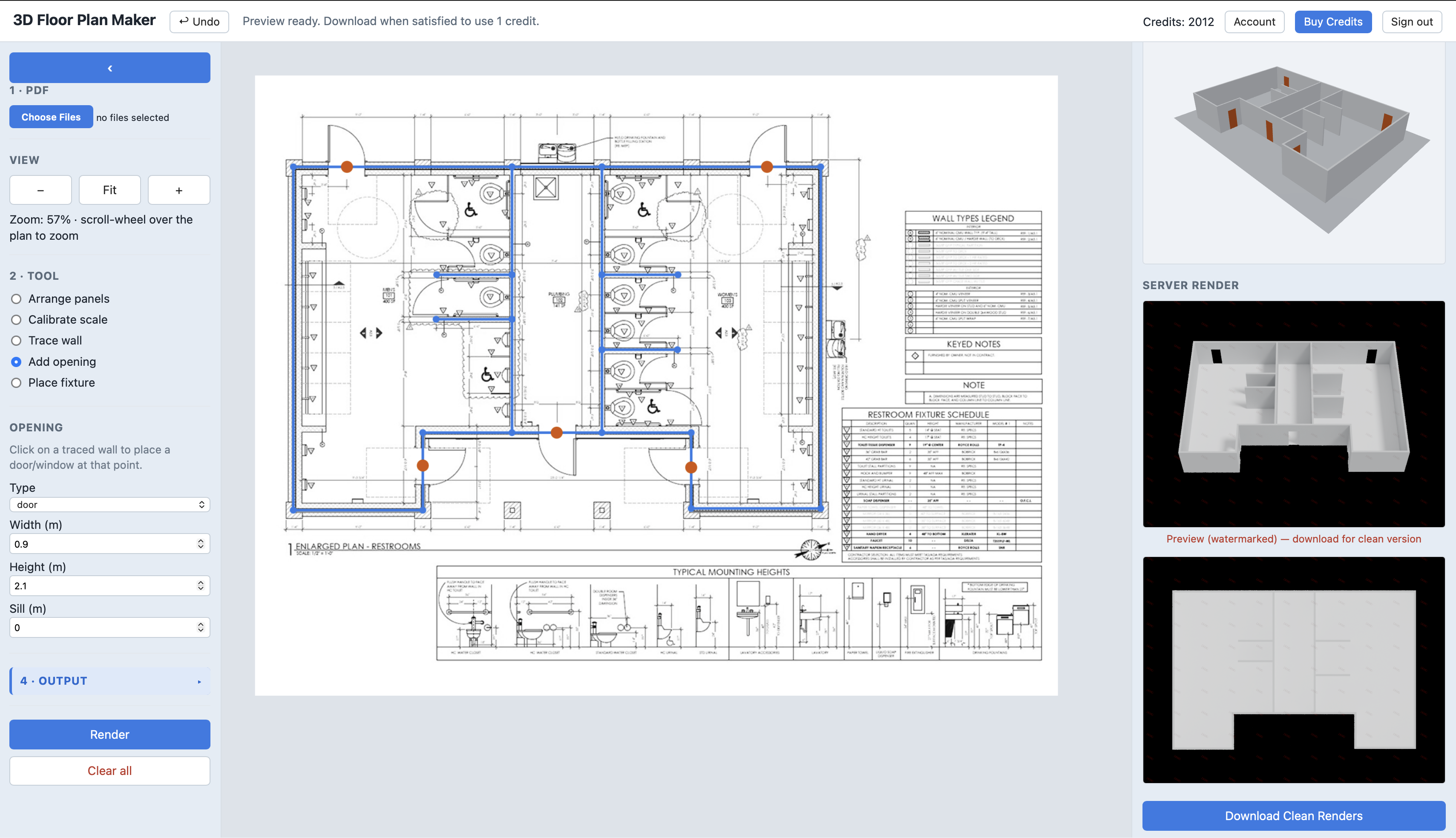
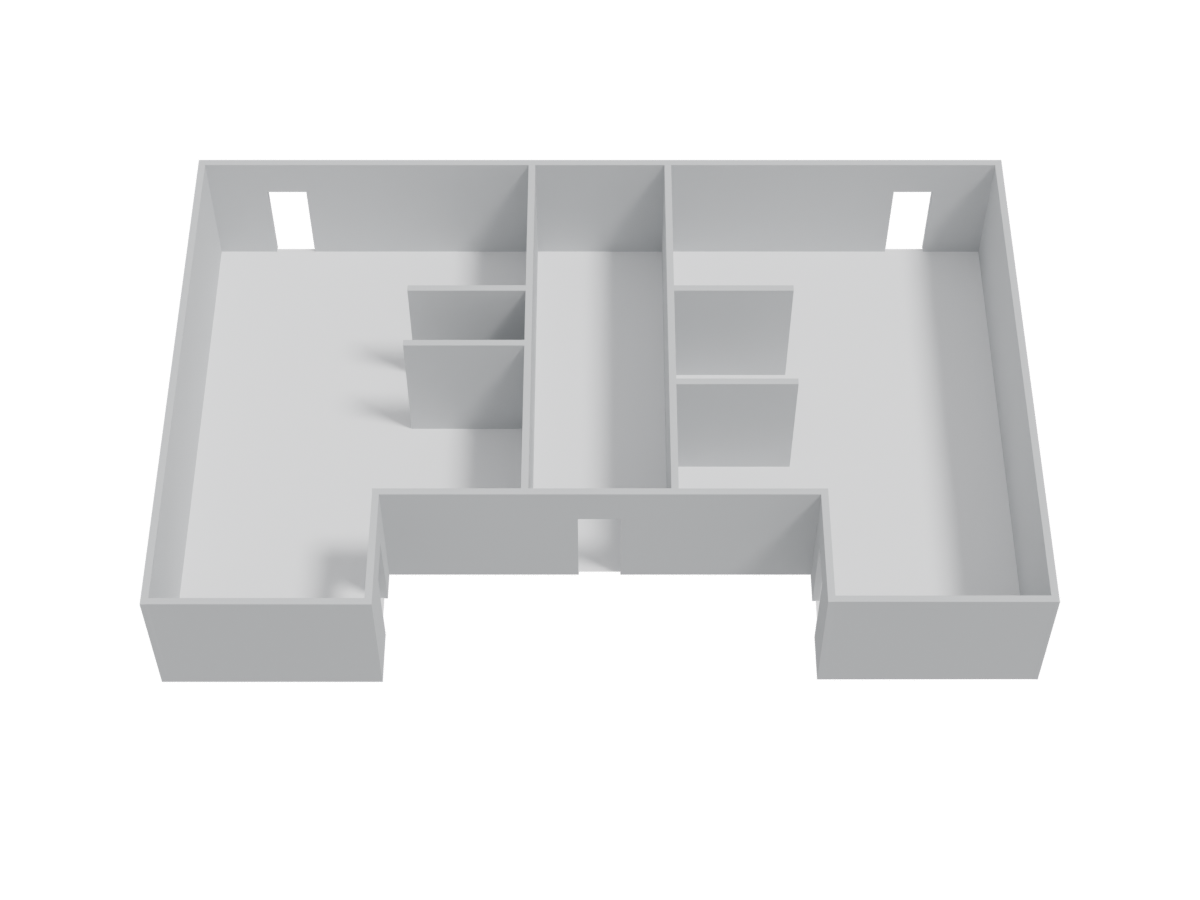
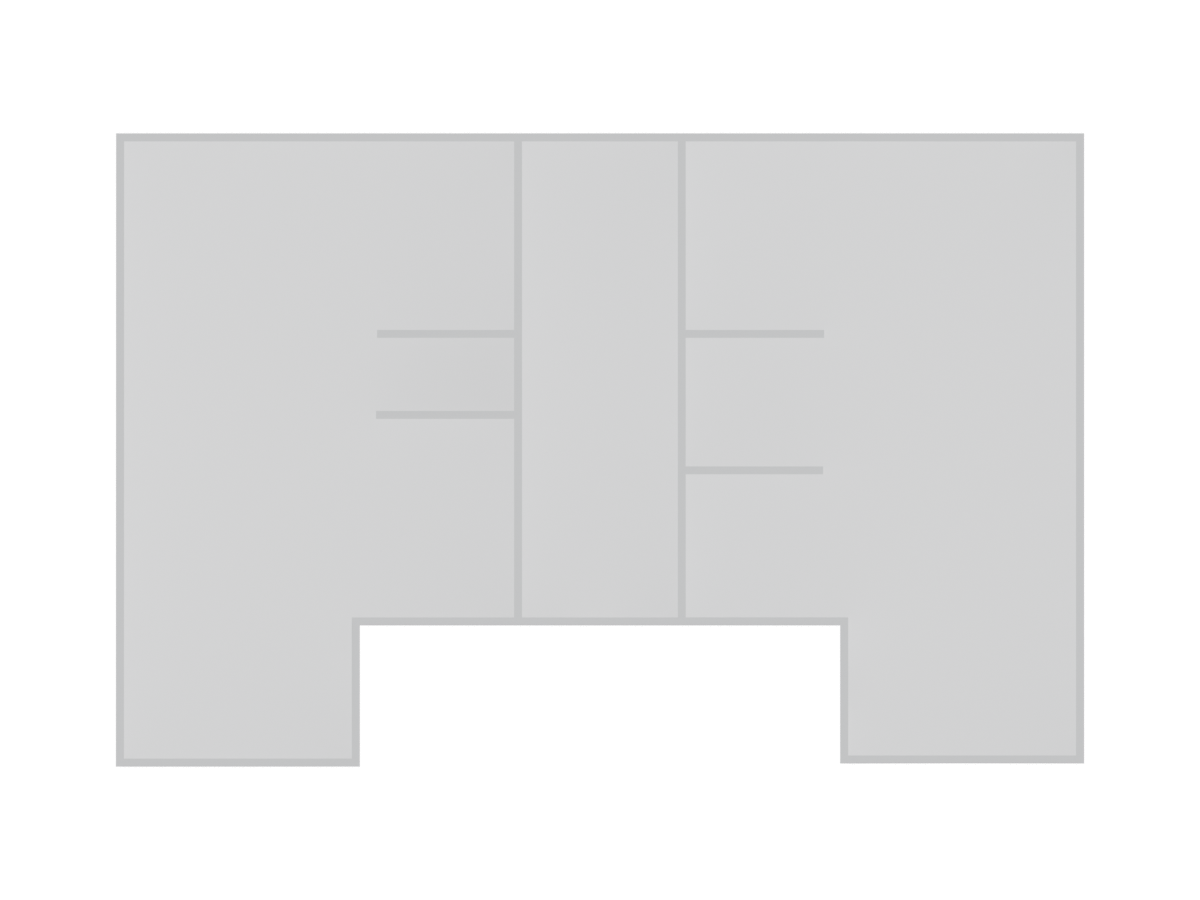
Two real plans taken through the tool — the original floor plan, the traced model, then the final 3D renders.
Building 1
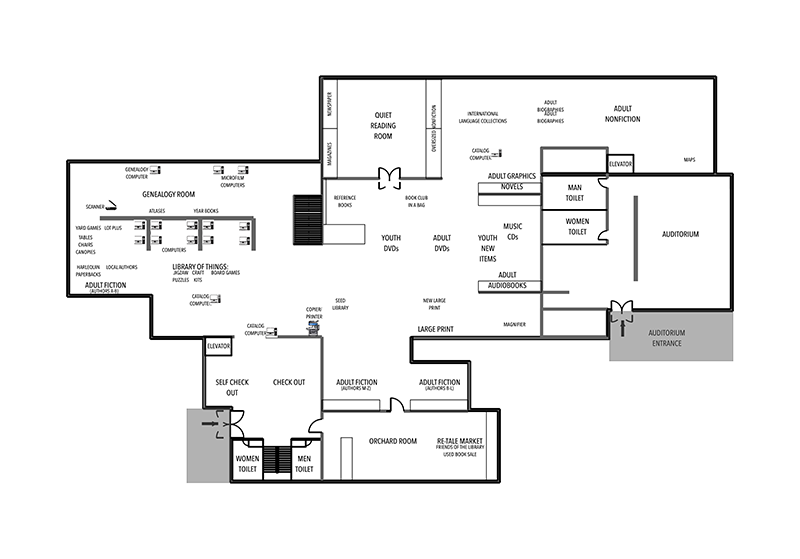
→
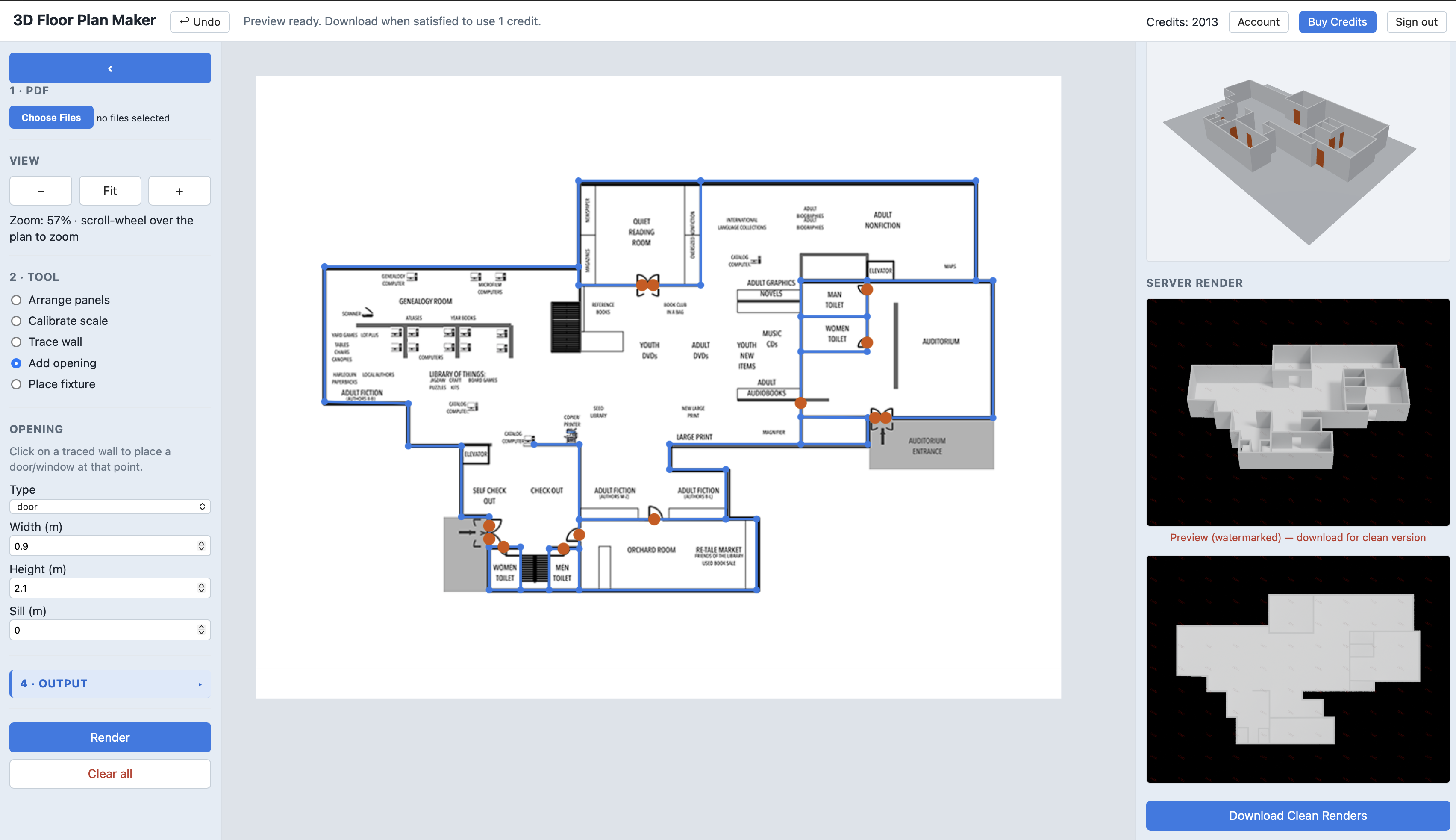
→
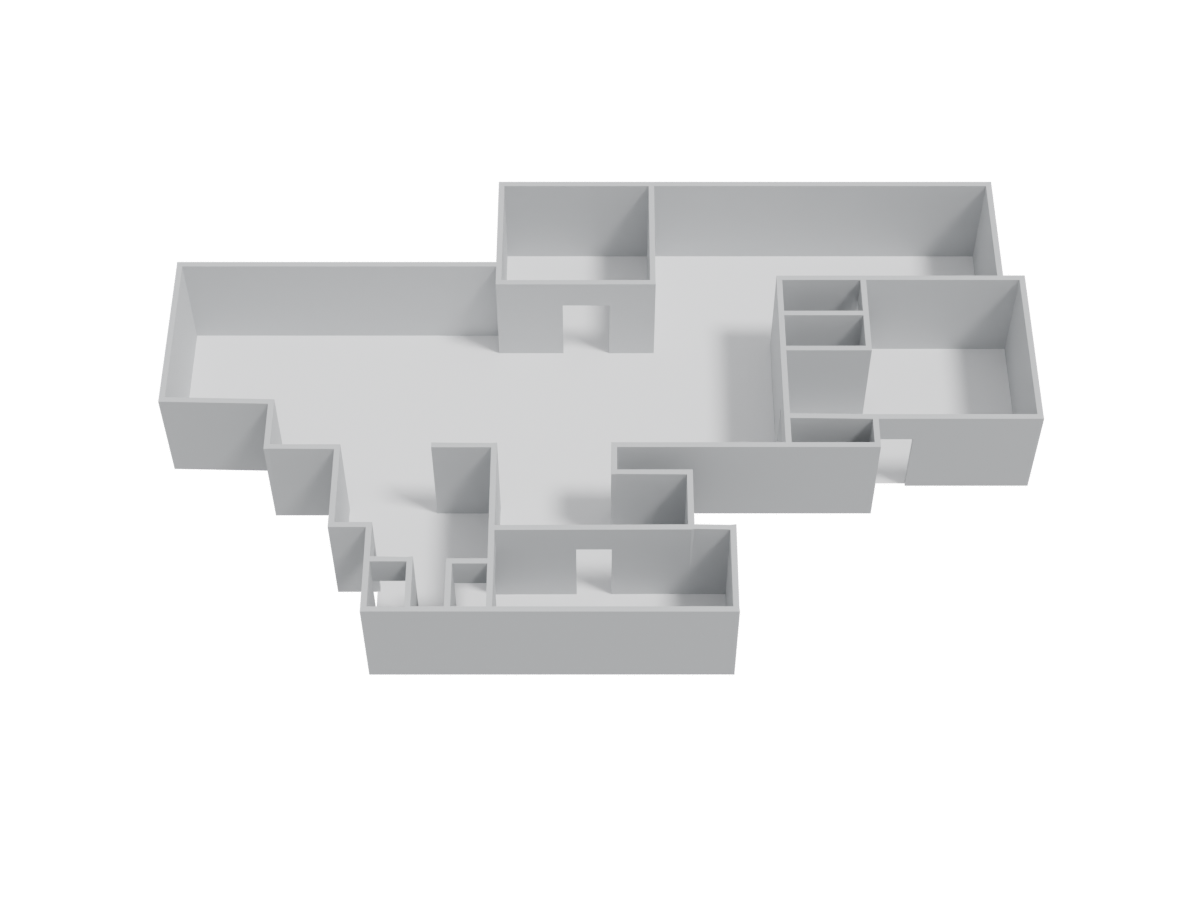
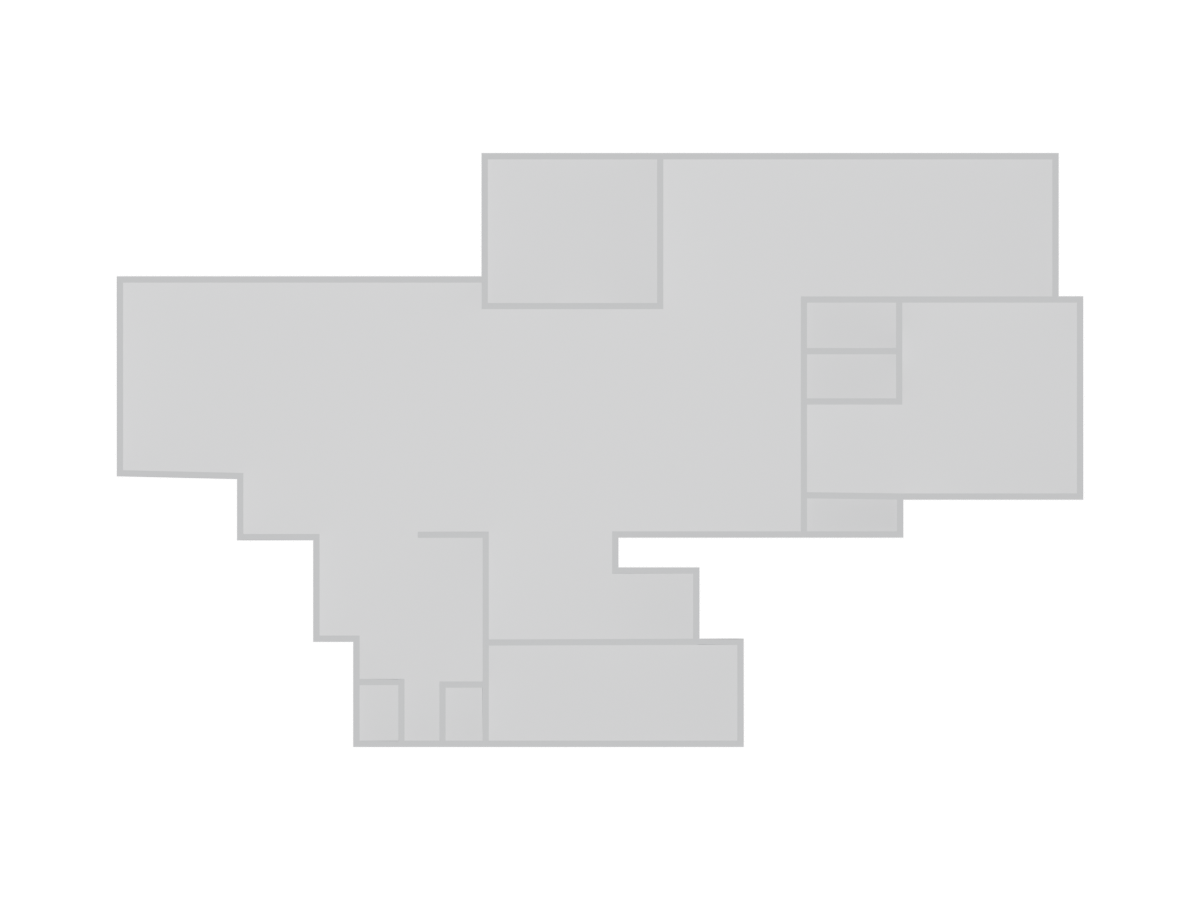
Building 2
→
→
Upload a floor plan, trace the walls in your browser, and get a photorealistic 3D render in minutes. No CAD software, no design skills — just your plan.
Your first render is free. No credit card required.
How it works
The whole workflow runs in your browser. We do the heavy 3D rendering on our servers.
Drop in a PDF or image of your floor plan. It loads straight onto the canvas, ready to trace.
Click along the walls, add doors and windows, and set the scale. Snapping and right-angle holds keep it clean.
Hit Render and get a polished 3D view of your space. Download the clean, watermark-free version with a credit.
Real results
Two real plans taken through the tool — the original floor plan, the traced model, then the final 3D renders.
Pricing
Trace and preview as much as you like for free. One credit unlocks one clean, watermark-free render download.
1 credit
$4
$4.00 per render
5 credits
$14
$2.80 per render
20 credits
$39
$1.95 per render
Plus your first render is free — try it before you buy a single credit.